Integrating Bitbucket extension to Visual Studio 2015/2017/2019
In this post, we will learn, how to install and integrate Bitbucket Git Extension in Visual Studio 2015, Visual Studio 2017 and Visual Studio 2019.
-
Published by Kunal Chowdhury

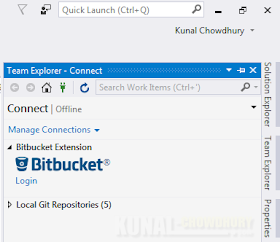
If you are using BitBucket Git repositories for hosting and managing your code, Visual Studio 2015, Visual Studio 2017, and Visual Studio 2019 have the extension to easily manage your files, directly from the Team Explorer view of the IDE.
In this post, we are going to get you started with the extension and see the main features that the extension supports.

Visual Studio Bitbucket Extension, which is available on Visual Studio Marketplace, is a plugin for Visual Studio to help you improve your productivity while working on Bitbucket as your Git repository. Currently, it supports Visual Studio 2015, Visual Studio 2017, and Visual Studio 2019.
This extension supports the following core features:
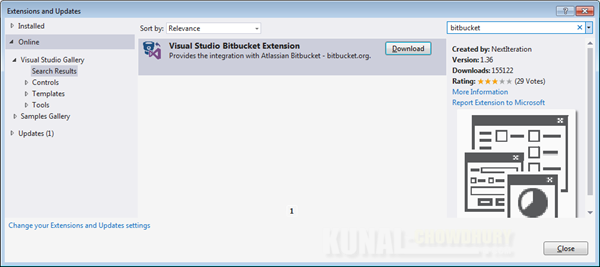
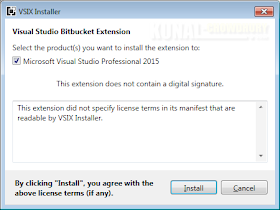
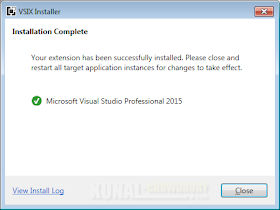
Before starting with it, you need to know that the extension is not available by default in Visual Studio installation. You need to download it from the Visual Studio Marketplace. To download it:
Was the post helpful? Which Git server do you use in your development environment? Do let us know.
