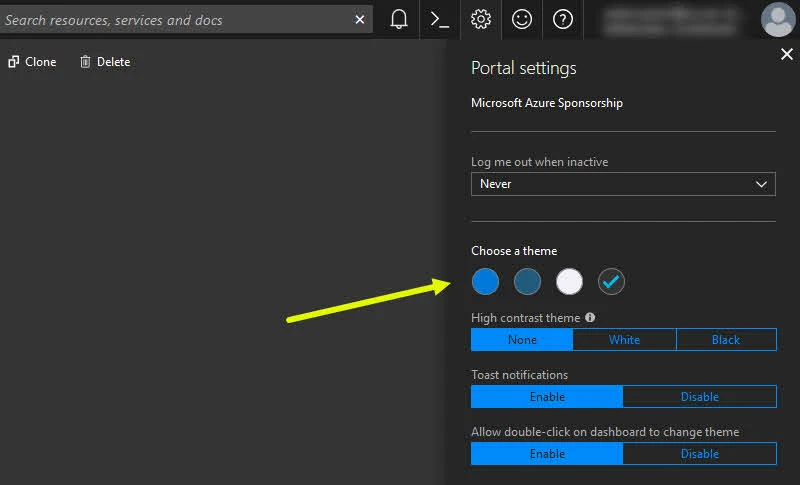
If you are using Microsoft Azure Portal, you may already know how to change the theme of the portal. This can be done from the Azure Portal Settings itself, which provides you four different themes at this moment.
But, do you know that you can easily switch from one theme to the other without navigating to the portal settings? In this quick tip, we are going to discuss about it.
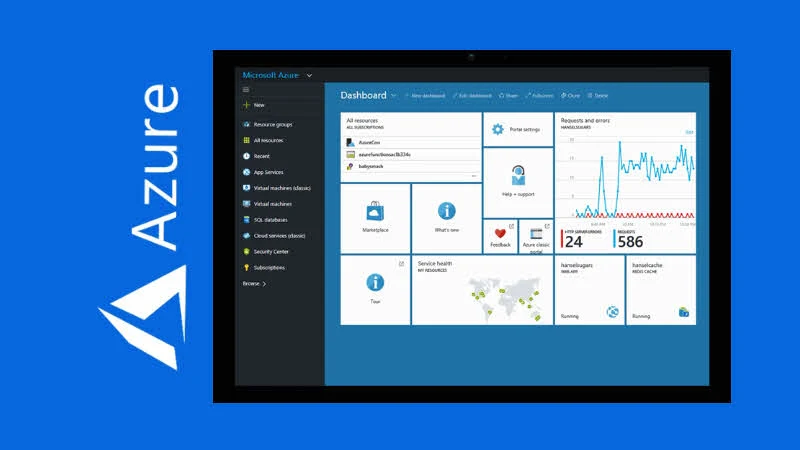
As you could see the below screenshot, you can change the Azure Portal theme by navigating to portal settings. For a quick theme changing option, you can simply double-click on any white space of the Azure Portal Dashboard. It will cycle through the available list of themes. Make sure that the Allow double-click on dashboard to change theme settings is Enabled.