Active hours let Windows know when you are typically at your PC. This info is used to let Windows 10 schedule updates and restarts when you are not using the PC. The main idea behind the feature is to make the operating system updates less annoying by preventing automatic restarts.
Though this feature was released with Windows 10 Anniversary Update, now Microsoft started recommending the Active Hours time on the Windows Update page, based on your actual time using the system.
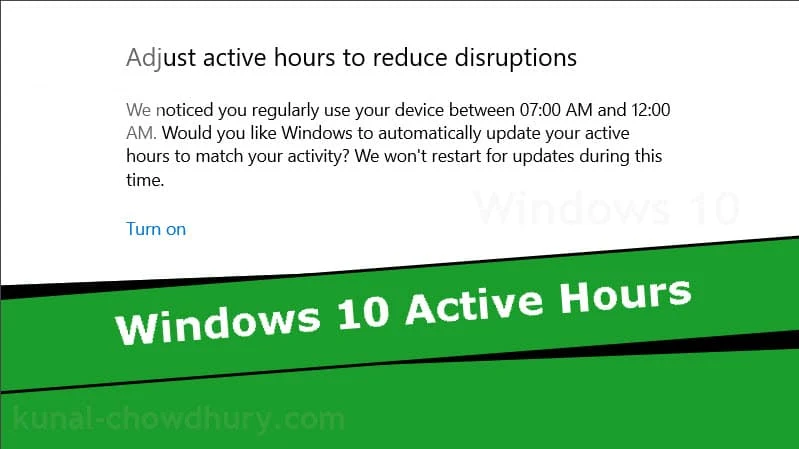
Based on Artificial Intelligence, Microsoft now starts suggesting Active Hours time on Windows 10. If you visit the Windows 10 Update Settings page, you may find a notification mentioning the active time that you spend on your system. During that time, Windows 10 won't schedule any automatic restart.
The notification looks similar to below screenshot:
![]()
You can manually set your Active Hours in a system by navigating to Start | Settings | Update & Security | Windows Update and then select Change active hours. Next to your current active hours, select Change. Then choose the start time and end time for active hours.


